Give AI agents postal mail sending, drafting, and receiving workflows
Send certified mail, letters, notices, and postcards with tracking, webhooks, and proof. Turn forwarded files from an address you already use into digital/OCR context today. New mailbox.bot-issued physical mailing and package addresses: Not live yet · Launch ETA: mid/late September. Reservations are open.
reachable by API, email thread, webhook, MCP, and postal mail
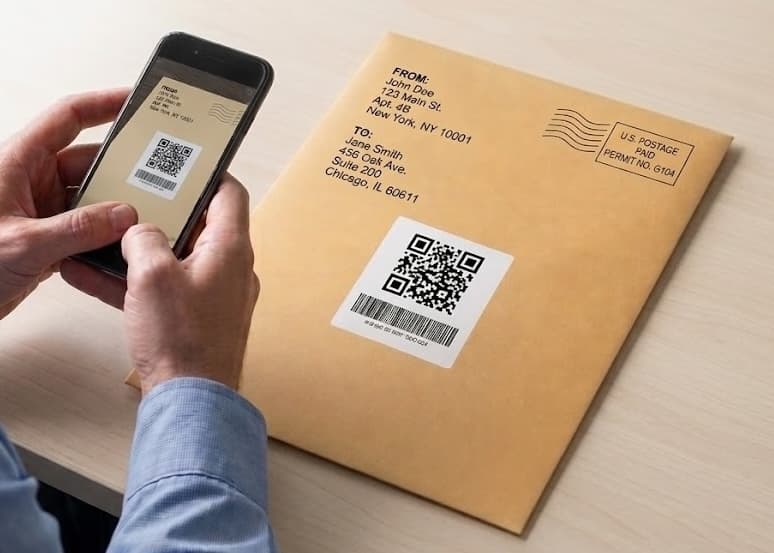
Use the live tools now. Join the managed-address reservation list when the agent needs one.
Outbound mail and forwarded digital/OCR context from an existing address are live. Mailbox.bot-issued receiving addresses: Not live yet · Launch ETA: mid/late September. Reservations are open, but they do not assign or activate an address today.
Outbound postal mail API
Agents can prepare letters, notices, postcards, packets, and certified mail with dry runs, approval gates, cost controls, fulfillment photos, delivery events, and webhooks.
Existing-address inbound context
Use the PO box, office, home business address, registered agent, or virtual mailbox you already control. Forward scans, photos, PDFs, notices, and notes into agent-readable context.
Managed mailing and package address
Not live yet · Launch ETA: mid/late September. Join the reservation list for a mailbox.bot-issued physical mailing and package address at a planned $20/mo. A reservation does not assign or activate an address.
Start with the workflows that make postal mail feel alive.
These routes explain why agents need a physical communication layer and which business workflows feel immediate.
The category argument: postal mail should be a software primitive, not a portal chore.
Specific postal workflows for permits, notices, business mail, acquisition mail, and inbound loops.
Send PDFs, letters, notices, postcards, and certified mail from software with proof.
Turn scans, PDFs, photos, and notes from existing addresses into structured context.
Expose enough structure for tools and LLMs to find the right doorway.
Agents can discover auth through auth.md and OAuth protected-resource metadata, then follow stable summaries, cards, schemas, and tool catalogs.
The strongest distribution wedge is agent-native tools that already own the digital context.
Goose and AgentMail show the category better than a generic SDK page: one starts from local SMB operations, the other starts from agent email threads.
Goose
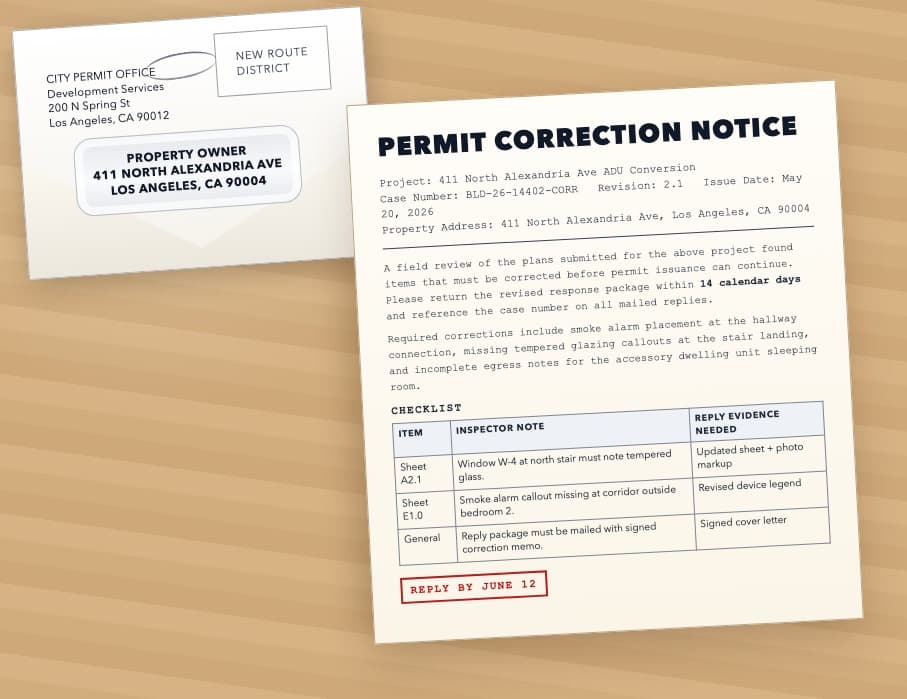
Draft, price, approve, sandbox-test, send, and track physical mail for health inspections, food permits, city notices, business licenses, insurance packets, landlord letters, and agency follow-ups.
AgentMail
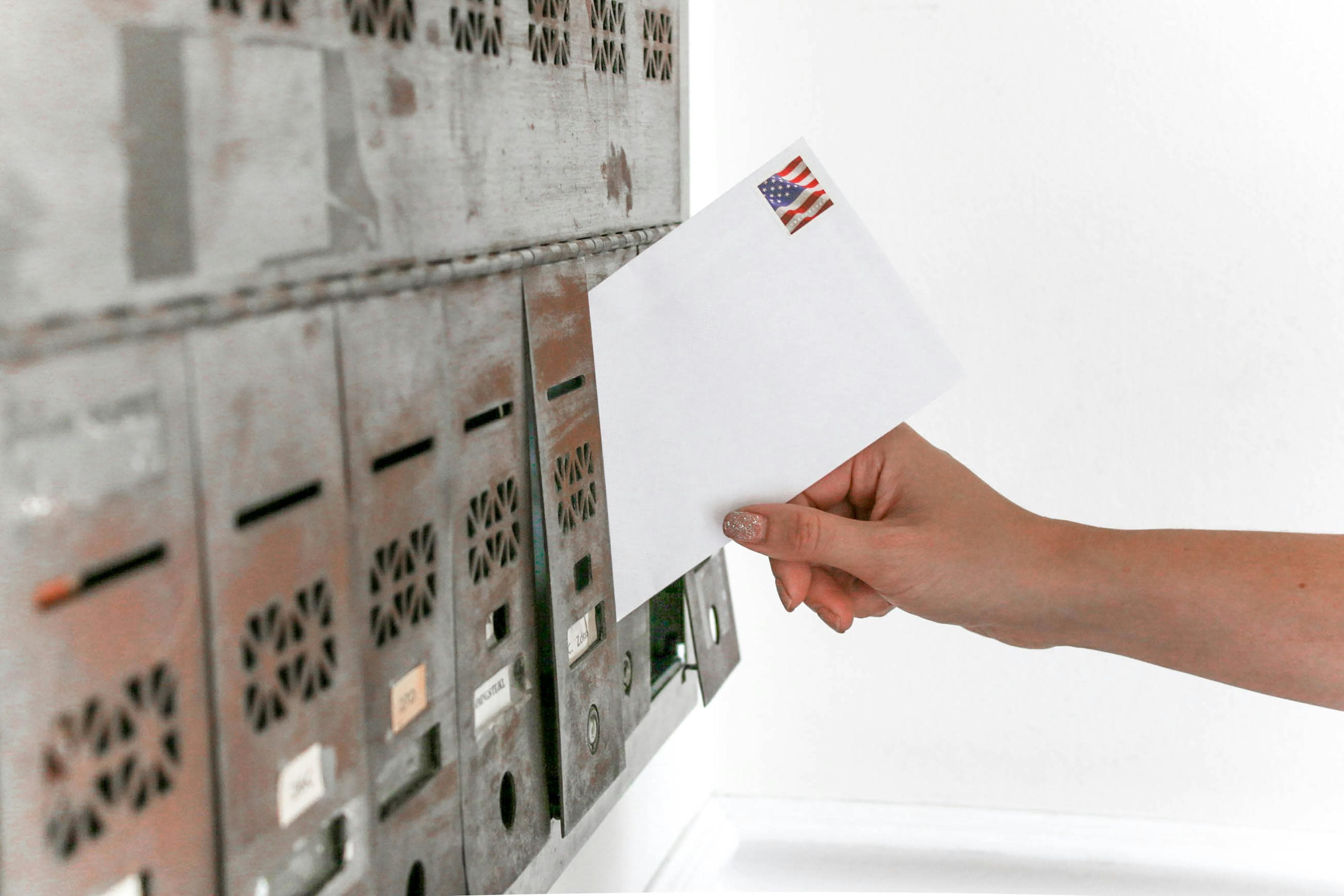
Use AgentMail for inboxes, replies, attachments, labels, and custom-domain reachability; use mailbox.bot for mailed agreements, signature packets, notary requests, certified notices, and proof.
Public endpoints agents can discover, inspect, and call.
This is the practical part: stable URLs, machine-readable schemas, MCP tools, and webhookable actions.
Accounts, agents, live outbound mail, existing-address inbound context, approvals, and webhooks. Managed physical receiving: Not live yet · Launch ETA: mid/late September.
Outbound mail, forwarded context, webhook setup and sandbox tests; gated assigned-inbox tools add saved OCR, duties, keyword search, activity and handling proposals. See /mcp-install#assigned-inbound. Managed-PMB physical fulfillment remains REST-only; saved-document search and evidence use list_inbound_items/get_inbound_item_sources with canonical mailbox authority.
Single public card pointing clients toward APIs, docs, tools, and capabilities.
Concrete loops beat feature lists.
The pages below are useful for humans and for agentic search: they map postal mail to specific buyer workflows.
Scrape permit and property signals, render a project-specific postal mailer, and route replies into follow-up automatically.
Trigger direct mail from ownership changes, delinquency lists, probate, or parcel data and keep the response loop inside your acquisition workflow.
Send contracts, notices, reminders, and compliance mail through an API, then route scanned returns, delivery events, and proof metadata back into systems.
Turn PDFs, letters, postcards, and batch campaigns into postal mail through a single API surface.
Use an existing business address, PO box, office, home address, or virtual mailbox, then forward scans and notes back into structured operations.
Let agents move the work, keep humans on the checkpoints.
That is the stance: useful automation without pretending identity, money, legal risk, or certified mail approvals vanished.
curl -X POST https://mailbox.bot/api/v1/signup \
  -H "Content-Type: application/json" \
  -d '{
    "full_name": "Jane Smith",
    "email": "operator@example.com",
    "password": "securepassword123"
  }'

# Next:
# human verifies identity + payment
# agent creates sk_agent_test_
# workflow starts with dry_run=true